How to Register on Bowmore77: Step-by-Step Guide for Filipino Players
How to Register on Bowmore77: Step-by-Step Guide for Filipino Players
Bowmore77 is an online casino and sportsbook that serves players across the Philippines. The platform offers slots, live dealer tables, and sports betting on PBA, NBA, and volleyball. If you're new to Bowmore77, this guide walks you through the registration process from start to finish.
Before you begin, keep in mind that Bowmore77 is for players aged 21 and over only. Make sure you meet the age requirement and gamble responsibly—set limits on your time and money, and never chase losses.
What You Need Before Signing Up
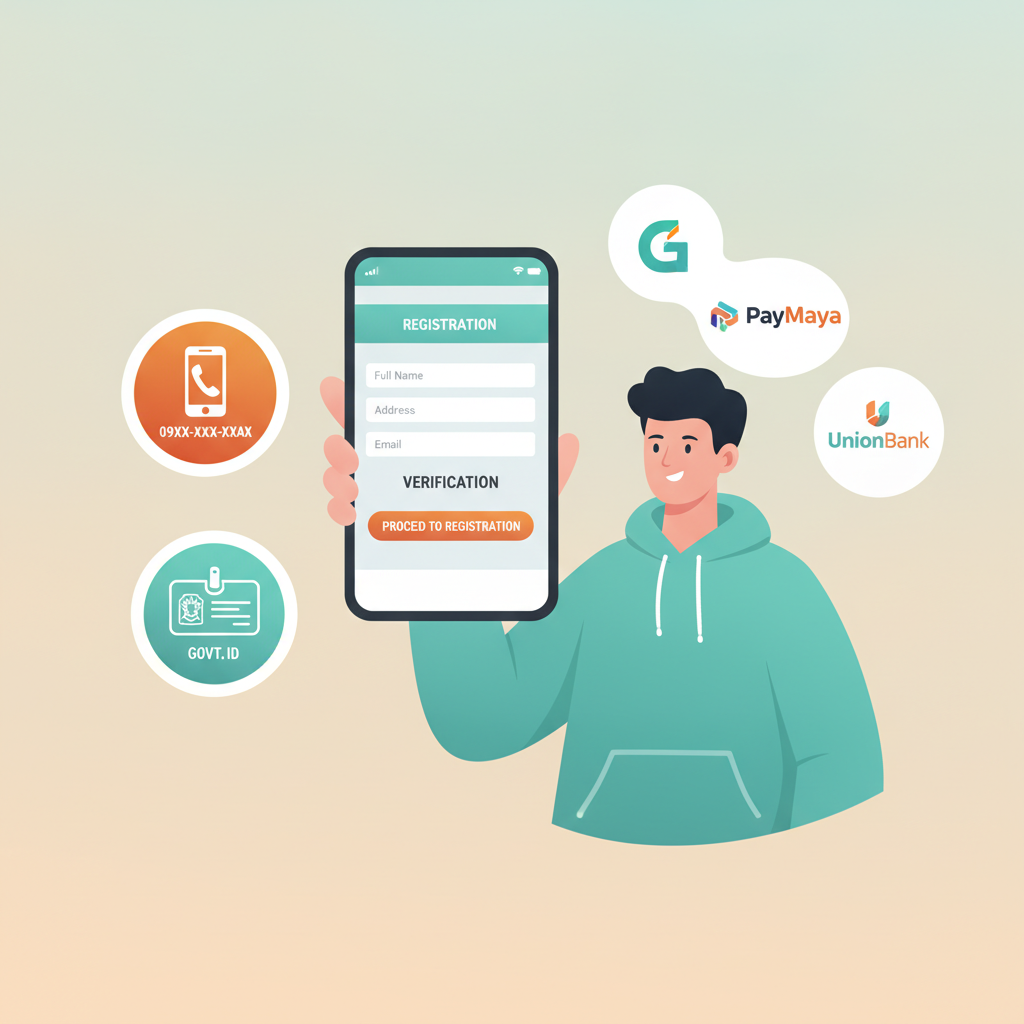
Before you start the Bowmore77 register process, gather the following:
1. Mobile Number
You'll need an active Philippine mobile number. Bowmore77 uses SMS to send verification codes and account updates. Make sure the number you provide can receive text messages.
2. Valid Government-Issued ID
Identity verification is required for all Bowmore77 accounts. Accepted documents include:
- Philippine passport
- Driver's license
- UMID (Unified Multi-Purpose ID)
- SSS ID
- PhilHealth ID
- Postal ID
- Voter's ID
- PRC ID (Professional Regulation Commission)
Your ID must be clear, valid (not expired), and show your full name, date of birth, and photo. You won't need to upload it immediately during sign-up, but have it ready for the verification step.
3. GCash or Maya Account
Bowmore77 accepts deposits through GCash, Maya, and bank transfer (InstaPay and PESONet). Most Filipino players prefer e-wallets for speed and convenience. If you don't have GCash or Maya yet, download the app and complete the account setup before registering on Bowmore77. This way, you can make your first deposit right after activation.
4. Basic Personal Information
You'll be asked for your full name (as it appears on your ID), date of birth, and email address. Use accurate information—mismatches between your registration details and your ID will delay verification.
Step-by-Step Walkthrough of the Bowmore77 Registration Form
Once you have everything ready, follow these steps to create your Bowmore77 account.
Step 1: Visit the Bowmore77 Website
Open your mobile browser (Chrome, Safari, or any browser on your Android or iOS device) and go to the official Bowmore77 site. Look for the "Register" or "Sign Up" button, usually placed at the top-right corner of the homepage.
Step 2: Fill Out the Registration Form
Tap the registration button to open the sign-up form. You'll be asked to provide:
- Mobile number: Enter your 11-digit Philippine mobile number (starting with 09).
- Password: Choose a strong password with a mix of letters, numbers, and symbols. Bowmore77 typically requires at least 8 characters. Write it down or save it in a password manager—you'll need it for every Bowmore77 login.
- Email address: Use a working email you check regularly. Bowmore77 may send important account notifications here.
- Full name: Enter your first name, middle name (if applicable), and last name exactly as they appear on your government ID.
- Date of birth: Select your birthdate from the dropdown menu or calendar picker. You must be 21 years old or older to complete registration.
- Currency: The form should default to PHP (Philippine pesos). If you see other currency options, select PHP.
Double-check every field before moving forward. Errors here can cause problems during ID verification.
Step 3: Agree to Terms and Conditions
At the bottom of the form, you'll see checkboxes to confirm that you:
- Are at least 21 years old
- Agree to Bowmore77's terms of service and privacy policy
- Consent to receive promotional messages (this checkbox is sometimes optional)
Tick the required boxes. Take a moment to skim the terms if you want to understand Bowmore77's policies on account usage, deposits, and responsible gambling.
Step 4: Submit the Form
Tap "Register" or "Create Account" to submit. If all the information is valid, the system will create your account and send a confirmation code to your mobile number via SMS.
Step 5: Enter the SMS Verification Code
Check your phone for a text message from Bowmore77. The message will contain a 4- or 6-digit code. Enter this code into the verification field on the screen. This step confirms that the mobile number you provided is active and belongs to you.
If you don't receive the SMS within a few minutes, tap "Resend Code" or check that you entered the correct mobile number.
ID Verification Process: Which Documents Are Accepted and How to Upload Them
After SMS verification, Bowmore77 will prompt you to verify your identity. Some platforms allow you to skip this step temporarily, but you won't be able to withdraw winnings until verification is complete. It's best to finish it right away.
Accepted Documents
Bowmore77 accepts the following Philippine government-issued IDs:
- Passport
- Driver's license
- UMID
- SSS ID
- PhilHealth ID
- Postal ID
- Voter's ID
- PRC ID
Make sure your chosen ID is valid and not expired. The document must clearly show your full name, date of birth, photo, and ID number.
How to Upload Your ID
The upload process usually happens in two parts: the front and back of your ID.
- Take a clear photo: Use your phone's camera to photograph the front of your ID. Make sure all text is readable, there's no glare, and the entire card is visible within the frame. Avoid shadows and blurry images.
- Upload the front: Tap the upload button in the verification section of your Bowmore77 account. Select the photo from your gallery or take a new one using the in-app camera.
- Upload the back: Repeat the process for the back of your ID if required.
Some platforms also ask for a selfie holding your ID next to your face. Follow the on-screen instructions if this step appears.
File Format and Size
Bowmore77 typically accepts JPEG or PNG files under 5 MB. If your photo is too large, use a free image compressor app before uploading.
Processing Time
ID verification can take anywhere from a few minutes to 24 hours, depending on Bowmore77's review queue. Most accounts are approved within the same day if all documents are clear and match the registration details.
What Happens After You Submit
Once you've submitted your registration form and uploaded your ID, here's what to expect.
Confirmation SMS
You'll receive an SMS confirming that your Bowmore77 account has been created. The message may include your username (often your mobile number or email) and a reminder to complete ID verification if you haven't done so yet.
Account Activation
If you completed ID verification immediately, your account will be activated as soon as the Bowmore77 team approves your documents. You'll receive another SMS or email notification when verification is complete.
Once activated, you can log in using your mobile number (or email) and the password you created during registration. From there, you can:
- Explore the game lobby (slots, live dealer, jackpot games)
- Browse sports betting markets (PBA, NBA, volleyball)
- Make your first deposit via GCash, Maya, or bank transfer
- Claim any available welcome bonuses (check the promotions page after logging in)
If Verification Is Delayed
If your ID is rejected or flagged for additional review, Bowmore77 will usually send you an email explaining the issue. Common reasons include:
- Expired ID
- Blurry or cropped photo
- Name mismatch between your ID and registration form
- Underage (below 21)
If this happens, correct the problem and resubmit your documents through your account dashboard.
21+ Requirement and Responsible Gambling Reminder
Bowmore77 is strictly for players aged 21 and over. Online gambling is a form of entertainment, but it carries financial risk. Before you start playing:
- Set a budget for how much you're willing to deposit and potentially lose.
- Decide in advance how long you'll play.
- Never gamble with money you need for bills, rent, or other essentials.
- If you feel that gambling is affecting your life negatively, seek help from local support organizations or use Bowmore77's self-exclusion tools if available.
Remember: there are no guaranteed winnings. Slots, live dealer games, and sports bets all involve chance, and the house always has an edge over time.
Next Steps After Registration
Now that your Bowmore77 account is verified and activated, you're ready to make your first deposit and start exploring the platform. Typical deposit minimums range from PHP 100 to PHP 500, depending on your chosen payment method. GCash and Maya deposits are usually instant, while bank transfers via InstaPay can take a few minutes.
To learn more about making your first deposit, navigating the game lobby, or understanding how sports betting works on Bowmore77, check out the other beginner guides on this site. Each guide is written to help new Filipino players get comfortable with the platform, one step at a time.
Good luck, play responsibly, and enjoy the games.