Bowmore77 Login Guide: How to Access Your Account on Mobile
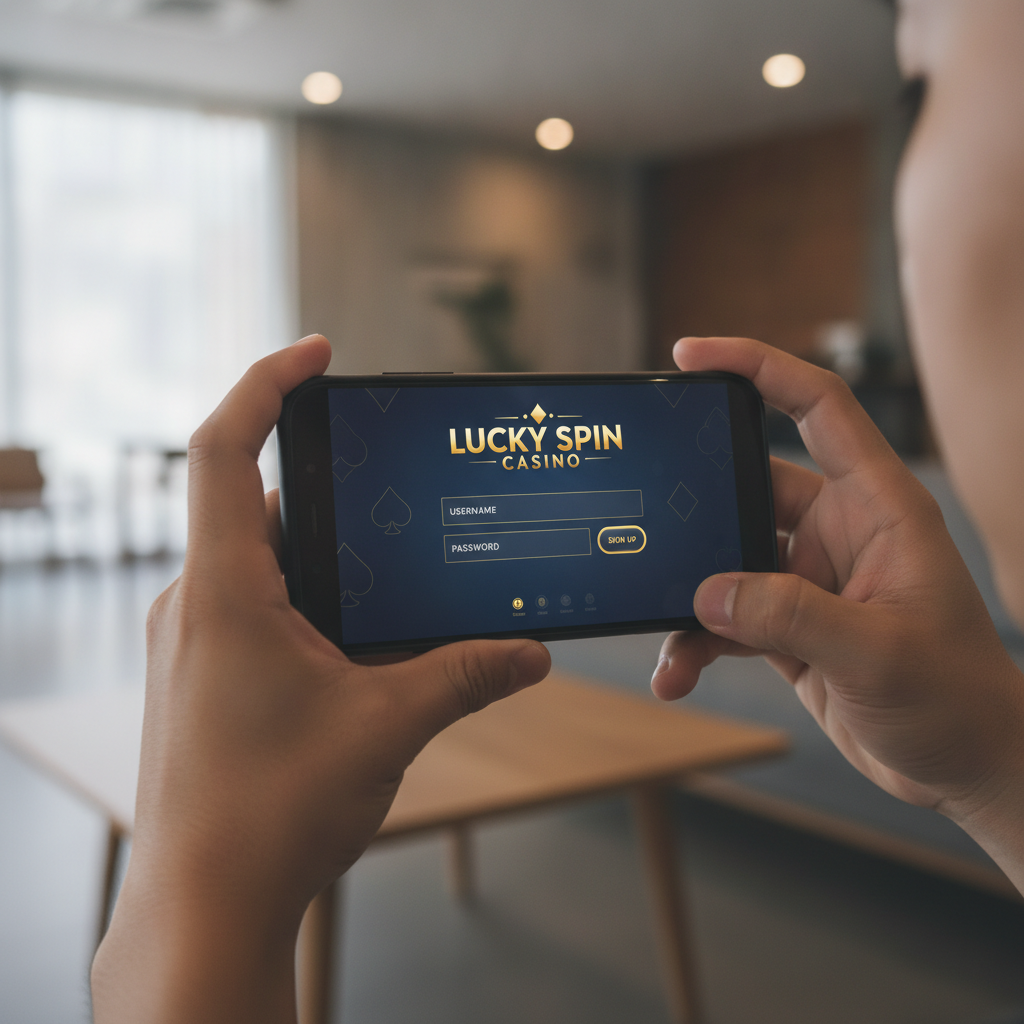
Where to Find the Bowmore77 Login Page on Android Phones
When you're ready to play slots, live dealer games, or place a bet on PBA or NBA matches through Bowmore77, the first step is reaching the login page on your Android phone.
Open your mobile browser—Chrome, Firefox, or whatever you normally use—and type in the Bowmore77 website address. Once the homepage loads, look at the top-right corner of the screen. You'll see a button labeled Login or Sign In. Tap it to open the login form.
If you've already registered and used Bowmore77 before, your browser may have saved the site to your bookmarks or history. That can save you a few seconds next time. Some players in Metro Manila and the provinces prefer to add the site to their home screen for faster access: tap the three-dot menu in your browser and select "Add to Home screen." This creates an icon you can tap directly without opening the browser first.
The Bowmore77 login page works the same way whether you're on a phone, tablet, or desktop. The layout adjusts to fit smaller Android screens, so the username and password fields stack vertically and the buttons are sized for thumbs.
Entering Your Username and Password: Common First-Time Mistakes
Once you're on the Bowmore77 login page, you'll see two empty fields: one for your username (or registered mobile number or email, depending on what you chose during Bowmore77 register), and one for your password.
Username field: Enter exactly what you used when you signed up. If you registered with your mobile number, type it in the format you originally entered—some players forget whether they included the country code (+63) or not. If you registered with an email address, double-check the spelling. Usernames are usually case-sensitive, so "JuanDelaCruz" and "juandelacruz" may be treated as different accounts.
Password field: Tap inside the password box and type your password carefully. Because the characters appear as dots or asterisks for security, it's easy to make a typo. Many first-time login failures happen because of an extra space at the beginning or end, or because auto-correct changed a character without you noticing. If your keyboard has a "show password" eye icon, tap it briefly to confirm you typed everything correctly before you submit.
Caps Lock and special characters: Android keyboards sometimes auto-capitalize the first letter when you start typing in a new field. If your password begins with a lowercase letter, turn off that first capital. Likewise, if your password includes symbols like @, #, or !, make sure you're on the correct keyboard screen to enter them.
After filling in both fields, tap the Login or Sign In button. If your credentials are correct and your account is active, Bowmore77 will take you to the main lobby where you can choose slots, jackpot games, live dealer tables, sports betting, or bingo.
What to Do If Login Fails
Even when you're sure you entered the right username and password, login attempts can fail. Here are the most common reasons and how to fix them on your Android phone:
Check Your Internet Connection
Bowmore77 needs a stable connection to verify your credentials. If you're on mobile data in a province with weak signal, or if your Wi-Fi is cutting in and out, the login request may time out. Look at the top of your screen to confirm you have at least two or three signal bars. Try loading another website or app to test whether the internet is working. If it's slow or offline, move to a spot with better reception or switch between mobile data and Wi-Fi.
Verify Your Account Status
If you recently completed the Bowmore77 register process, your account might still be pending ID verification. Bowmore77 typically asks new players to upload a photo of a valid government-issued ID (such as a driver's license, postal ID, or passport) and sometimes a selfie for identity confirmation. Until that verification is approved, some platforms restrict login or limit features. Check your registered email or mobile number for a message from Bowmore77 with instructions or a confirmation that your account is active.
Accounts can also be temporarily locked if you entered the wrong password several times in a row. This is a security feature to protect against unauthorized access. Wait a few minutes and try again, or contact Bowmore77 customer support through live chat or the help page to request an unlock.
Reset Your Password
If you've tried multiple times and still can't log in, you may have forgotten your password or misremembered which one you used. On the Bowmore77 login page, look for a link that says Forgot Password? or Reset Password. Tap it, then enter the email address or mobile number tied to your account. Bowmore77 will send you a one-time code or a reset link. Follow the instructions to create a new password, then return to the login page and try again.
When choosing a new password, pick something you can remember but that's still secure—a mix of letters, numbers, and symbols. Avoid using "123456" or "password," and don't reuse the same password you have for GCash, Maya, or your bank accounts.
Clear Browser Cache and Cookies
Sometimes old data stored in your Android browser causes conflicts. If the Bowmore77 login page looks broken or the Login button doesn't respond, try clearing your cache. In Chrome, tap the three-dot menu, go to Settings > Privacy and security > Clear browsing data, select "Cached images and files," then tap Clear data. Restart your browser and visit the Bowmore77 site again.
Contact Support
If none of the steps above solve the problem, reach out to Bowmore77 customer service. Most online casinos in the Philippines offer 24/7 live chat in English and Filipino. Describe what's happening—"I enter my username and password but get an error message" or "The page won't load after I tap Login"—and the support team can check your account status or guide you through additional troubleshooting.
Staying Logged In vs. Logging Out for Security
When you successfully log in to Bowmore77 on your Android phone, the platform may ask if you want to Stay logged in or Remember me. This option keeps your session active so you don't have to enter your username and password every time you open the site.
When to stay logged in: If you're the only person who uses your phone and you have a screen lock (PIN, pattern, fingerprint, or face unlock), staying logged in can be convenient. You can quickly check live dealer tables, place a bet on the next PBA game, or spin a slot without retyping credentials.
When to log out: If you share your phone with family members, or if you sometimes leave it unattended in public places or at work, it's safer to log out after each session. Tap the account menu or profile icon—usually in the top-right corner—and select Log Out or Sign Out. This ensures no one else can access your Bowmore77 account, view your balance, or make deposits or bets using your GCash, Maya, or bank transfer details.
Even if you stay logged in, Bowmore77 may automatically log you out after a period of inactivity (often 15 to 30 minutes) for security reasons. You'll need to log in again the next time you visit. This is normal and helps protect your account.
Additional security tip: Never save your Bowmore77 password in a public or shared device. If you use your own Android phone, consider enabling two-factor authentication (2FA) if Bowmore77 offers it. 2FA adds an extra layer of protection by requiring a one-time code sent to your mobile number or email each time you log in from a new device or location.
21+ Only and Responsible Gambling Reminder
Bowmore77 is intended for players aged 21 and older. By logging in and using the platform, you confirm that you meet the legal age requirement in the Philippines.
Gambling should be a form of entertainment, not a way to make money or solve financial problems. Set a budget for how much you're willing to deposit and wager each week, and stick to it. If you find yourself chasing losses, betting more than you can afford, or feeling stressed about your play, take a break. Bowmore77 and similar platforms often provide tools to set deposit limits, session reminders, or self-exclusion periods.
If you or someone you know needs help with problem gambling, reach out to local support resources or talk to a trusted friend or family member. Play responsibly and keep gaming fun.
Summary: Accessing your Bowmore77 account on an Android phone is straightforward once you know where the login page is and how to avoid common username and password mistakes. If login fails, check your internet connection, confirm your account is verified, and use the password-reset option if needed. Decide whether to stay logged in based on your phone's security and who else might use it. Always remember that Bowmore77 is for players 21+ only, and gambling should remain an enjoyable, controlled activity.